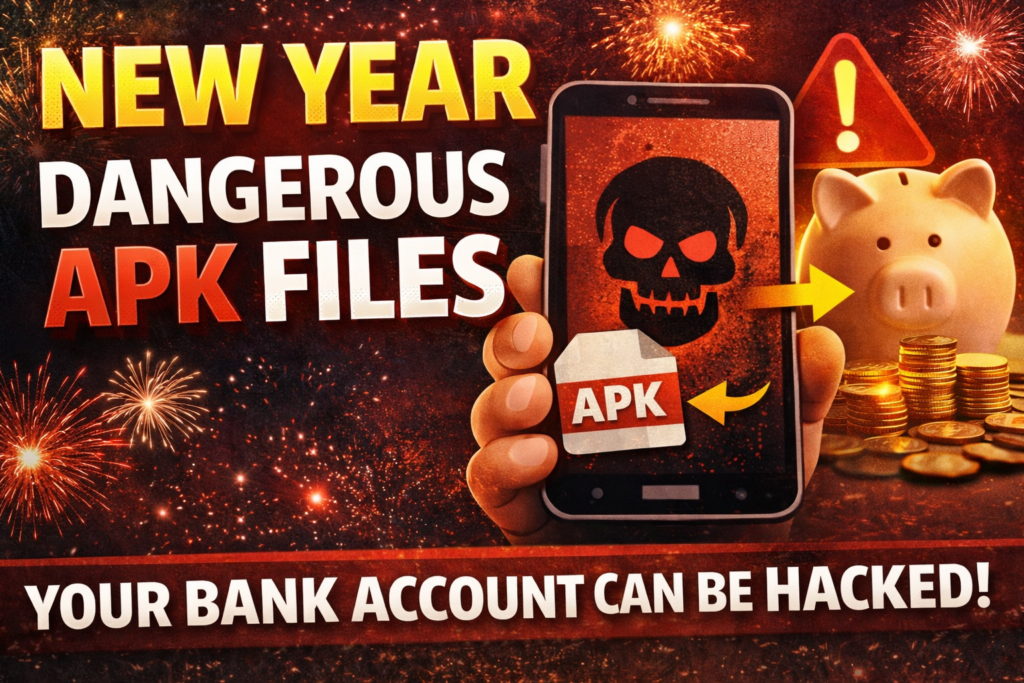
APK FILE SCAM :New year celebration is coming soon but in the happiness of NEW YEAR CYBER CRIME will not stop.
In today’s digital world, our mobile phones store everything—bank accounts, UPI apps, personal data, social media, and private information. Cyber criminals are now using a dangerous method called the APK File Scam, which can completely take over your phone and empty your bank account within minutes. This APK File generally comes through Whatsapp message and in this message they says to you for “SPECIAL GREETING CARD” or “VIEW IMAGE” open ,download and share the file.
What is an APK File?
APK (Android Package Kit) is the file format used to install apps on Android devices. Unlike apps from the Google Play Store, APK files can be installed directly on your phone from external source and this is called as apk file scam.
How Does the Scam Work?
Fraudsters send APK files or links through:
- 📩 SMS or WhatsApp messages like “KYC Update Required”, “Electricity Bill Pending”, “Courier Delivery”
- 📧 Fake bank or government messages
- 🎁 Offers such as free rewards, loans, refunds, or prize money
Once you:
- Download the APK file
- Install it
- Allow permissions (SMS, calls, storage, accessibility)
The scammer gains full control of your phone.
What Happens After Installation?
After installing the malicious APK:
- 💳 Bank accounts and UPI apps get hacked
- 🔐 OTPs and SMS are secretly read
- 📱 Phone is remotely controlled
- 📸 Personal photos, contacts, and data are stolen
- 💰 Money is transferred without your knowledge
Most victims realize the fraud only after their bank account is emptied.
How to Identify an APK Scam?
🚨 Be alert if:
- An app is asking to install outside the Play Store
- You are told to enable “Install from Unknown Sources”
- Messages create urgency or fear
- Links look suspicious or shortened
These are clear signs of cyber fraud.
How to Stay Safe
✅ Never:
- Do not Install APK files received via WhatsApp or SMS
- Do not Click unknown or suspicious links
- Do not Share OTPs or banking details
🔐 Always:
- Download apps only from the Google Play Store
- Keep your phone and apps updated
- Use mobile security/antivirus apps
- Enable bank transaction alerts
What to Do If You Installed a Fake APK?
⛔ Act immediately:
- Turn on Airplane Mode
- Uninstall the suspicious app
- Perform a Factory Reset
- Contact your bank and block UPI/Net Banking
- Change all passwords
- Report the incident to Cyber Crime Helpline 1930 or cybercrime.gov.in
Conclusion
APK file scams are a silent but extremely dangerous cyber threat. One wrong click can cost you your savings, privacy, and peace of mind. Awareness is the strongest protection—stay alert and spread the warning to others. This message tempts you to take hasty action, such as “watch now” or “offer expires”. Also be cautious if greetings from an unknown number are attached. Scams messages contain spelling and grammar errors. remember, no reputable company or bank ask you for bank OTP, PIN or bank details over a message. Your awareness is the best Defense. This NEW YEAR, send greetings or messages to their loved ones even you can use voice record options but don’t compromise on security.
This New Year, gift yourself and others cyber safety and awareness.
Stay smart. Stay secure. Stay scam-free. 🎉🔐